You're In. What's Next?
Welcome to the lineup. You've joined isurf.pics, the only localised hub where epic waves, epic people and epic photos live together. Let's get you dialed in.
Jump to your section
Step 1: Dial In Your Locals
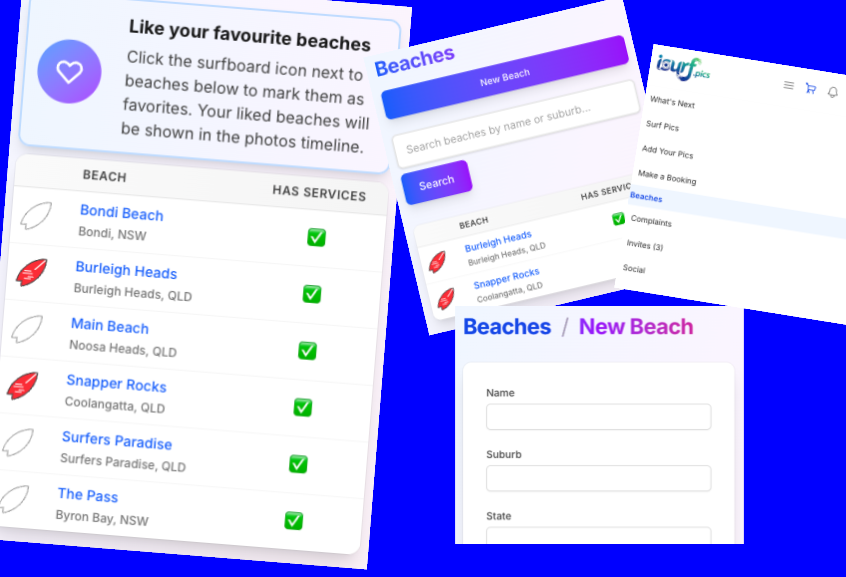
Don't clutter your feed with breaks you never surf. Head to Beaches in the menu and set your Favourite Beaches.
Your timeline automatically filters to these spots, meaning you find shots of you and your mates faster. You can always switch the filter to "All" if you want to see what's happening around the world, but your locals come first.
Step 2: Score Your Shots
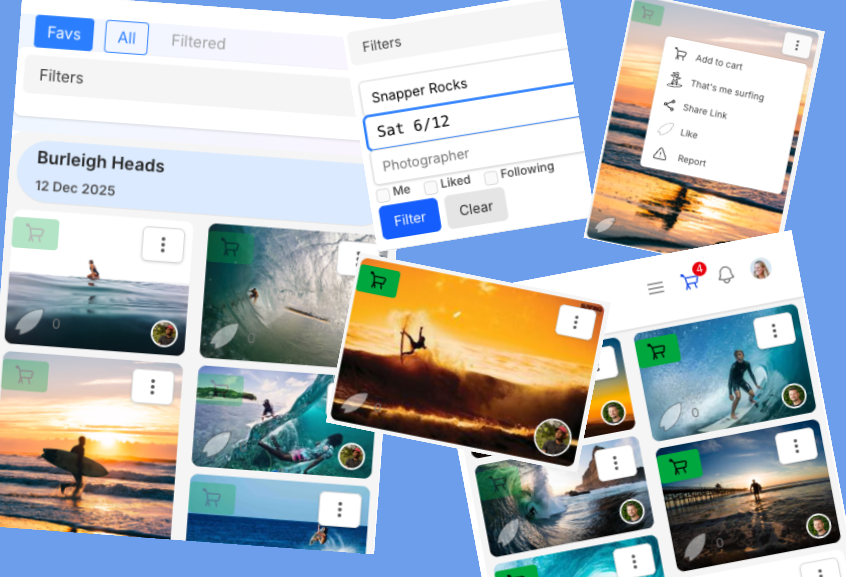
Stop the endless scroll. Use the Filters to zero in on exactly what you want to see.
-
1"FAVS": This will default to pics from your beaches you have favourited
-
2Smart Filtering: Need to find that session from last Tuesday? Narrow down your search by Beach, Date, or Photographer in seconds.
-
3The "Following" Feed: This is your highlight reel. Follow your surf mates to see when they get a photo uploaded, or track your favourite photographers so you never miss a session drop.
-
4Tag "That’s ME": Spot yourself? Claim it. It tags you in the shot and alerts your followers that you were ripping.
-
5Own it: Add high-res bangers to your cart instantly.
Keep it Clean
Isurf.pics is about good vibes. If you see something that doesn't belong in the lineup, use the **Report** feature to hide it immediately for review.
Step 3: Style Your Profile & Build Your Crew
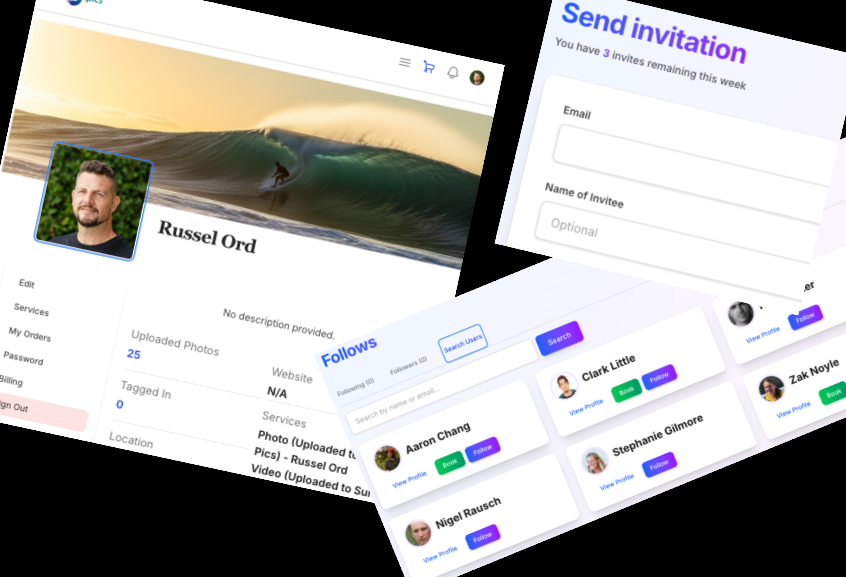
It’s not just about the photos—it’s about the community. Make your profile stand out and connect with the lineup.
-
Make it Yours: Upload your own avatar and set a custom background header. Add links to your Instagram or website so people know who you are.
-
Follow the Action: Follow your surf mates and favorite photographers. You’ll see updates in your feed the moment new edits drop.
-
Join the Buzz: Don't surf alone. Invite your friends to the platform so you can tag them when they’re ripping.
-
Upload Your Shots: Don't just browse—contribute. Anyone can upload photos to the community gallery to share the stoke.
Step 4: Book a Private Session
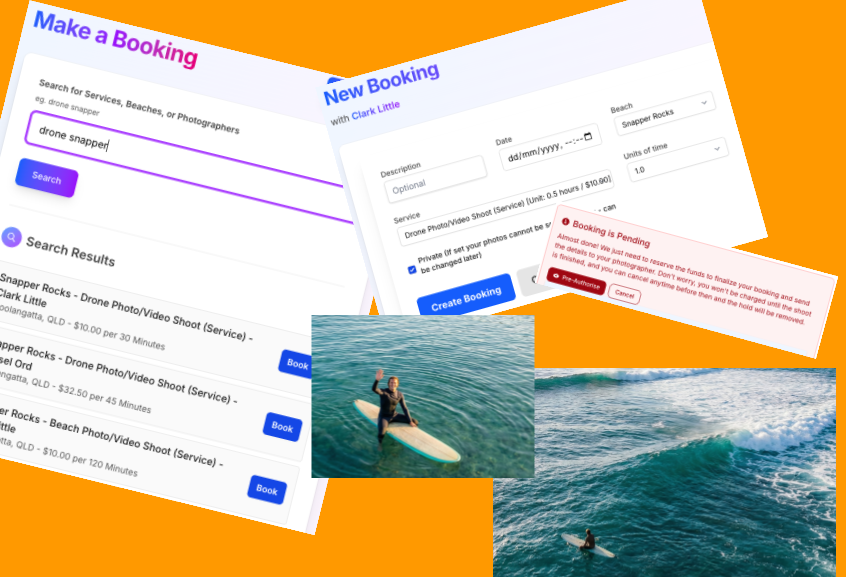
Want guaranteed keepers without fighting the pack? Book a private photographer.
Search your favourite beach to see who is available. Choose your angle: Onshore lens, In-Water housing, or Drone from above.
Secure it with a card pre-authorisation (no payment until the job is done). Use the message board to sort the finer details. Once processed, your private gallery drops straight into your account.
Set Up Shop
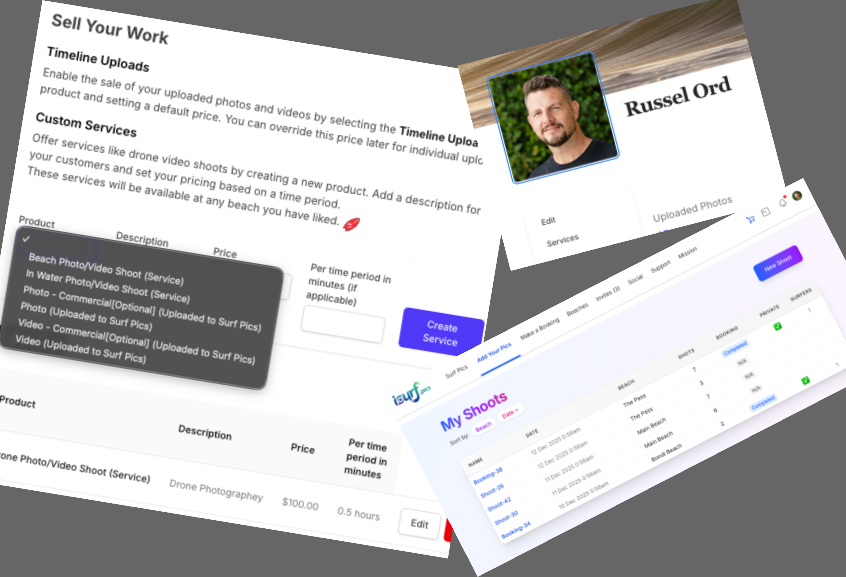
Welcome lens-lords. This is your new commerce base with zero monthly fees. Time to get paid for your passion.
- 1 Set Default Pricing: Define your standard rate for photos and videos uploaded to the public feed.
- 2 Define Services: Offer Onshore, In-Water, or Drone sessions. Set your time blocks (e.g., 30 mins) and your rate per block.
- 3 Get Found: "Like" the beaches you regularly shoot at so you appear in local searches for bookings.
- 4 Upload Regularly: and start selling your pics and become know by all the locals